
Handle Notifications
Act on availability, license, and NPI requests waiting in Notifications.
Notifications is where network-level requests wait for an Admin: availability changes, NPI change requests, license updates, and other operational alerts. Clear it daily and nothing blocks your providers for long. Who can do this: Admins act on network-level requests — see Roles & Permissions.
Open NotificationsWhat arrives here
- Availability change requests — a provider wants to change when they can see patients.
- NPI change requests — provider identity details that need review.
- License updates — new or updated licenses that affect which states a provider can serve.
- Operational alerts — other request items that need action.
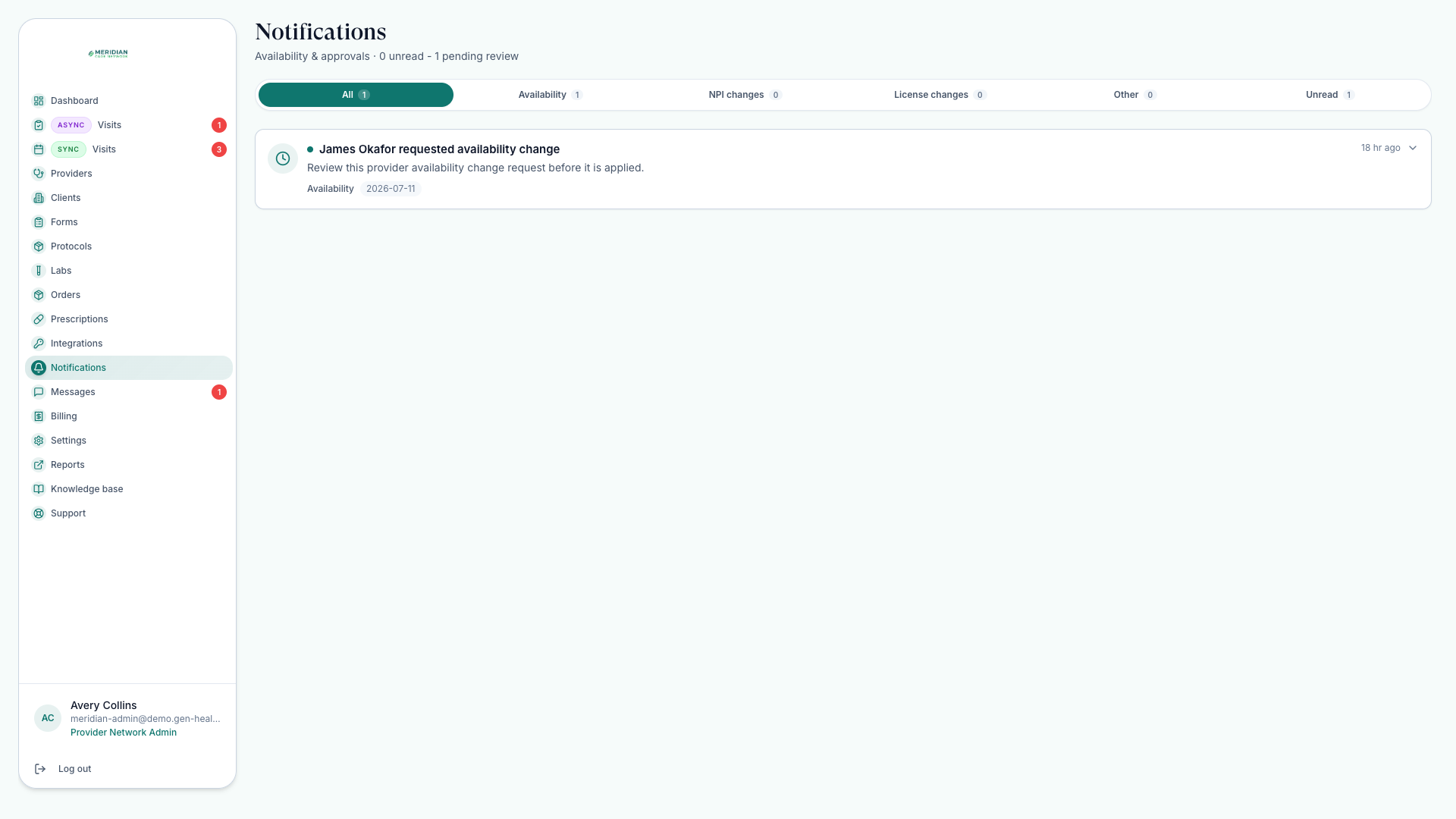
Where requests come from
Most items come from your providers: availability change requests as they adjust when they can see patients — see Set Availability — and license or NPI items as credentials change. Handling them here keeps profiles and the live schedule in agreement.
Work through the list
Open Notifications
Go to Notifications — the second stop in the Daily Workflow morning review.
Act on each request
Open the item, review the change, and approve or follow up from the related record. Leave nothing half-handled — an open, unfinished request is invisible work.
Follow through on credentials
License and NPI items feed provider readiness — after handling them, confirm the provider still passes Credential Checks.
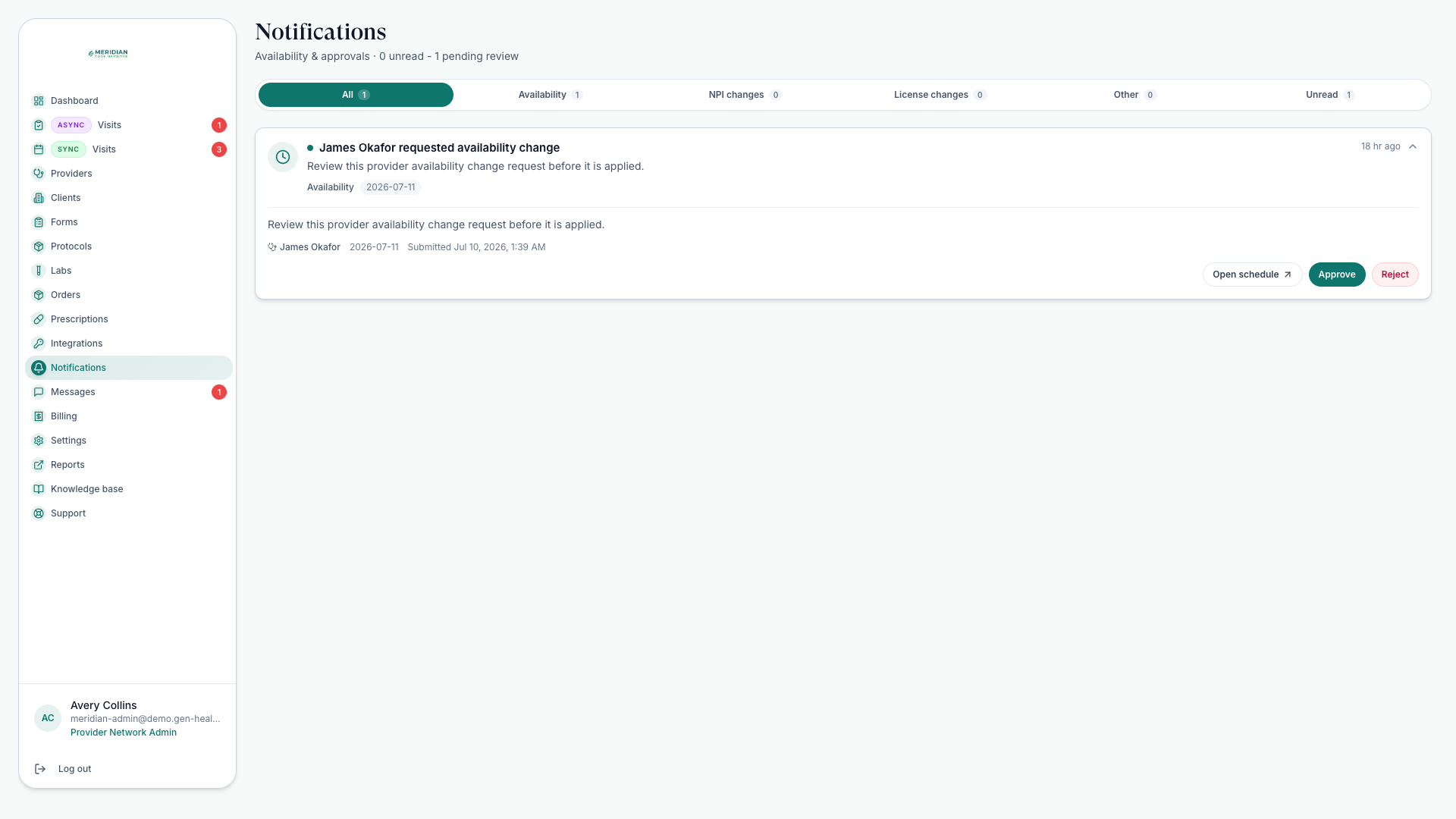
Why clear it daily
Pending requests have direct downstream effects: an unapproved availability change means patients book the wrong slots; an out-of-date license limits which patients a provider can serve and which reviews they can claim. A daily pass keeps your other queues honest.
Give credential-related requests priority — licenses and NPI details gate clinical work across visits, reviews, and prescriptions.
Was this helpful?