
Daily Workflow
A practical daily rhythm for running your network, from morning review to closeout.
A network stays healthy on a daily rhythm: morning review, steady follow-up, short closeout. Adapt it to your team, but keep the order — and finish the morning pass before the day's first visits.
Open your DashboardMorning review
Check the Dashboard
Open Dashboard for provider, client, patient, prescription, and review activity — look for unusual volume or stale work.
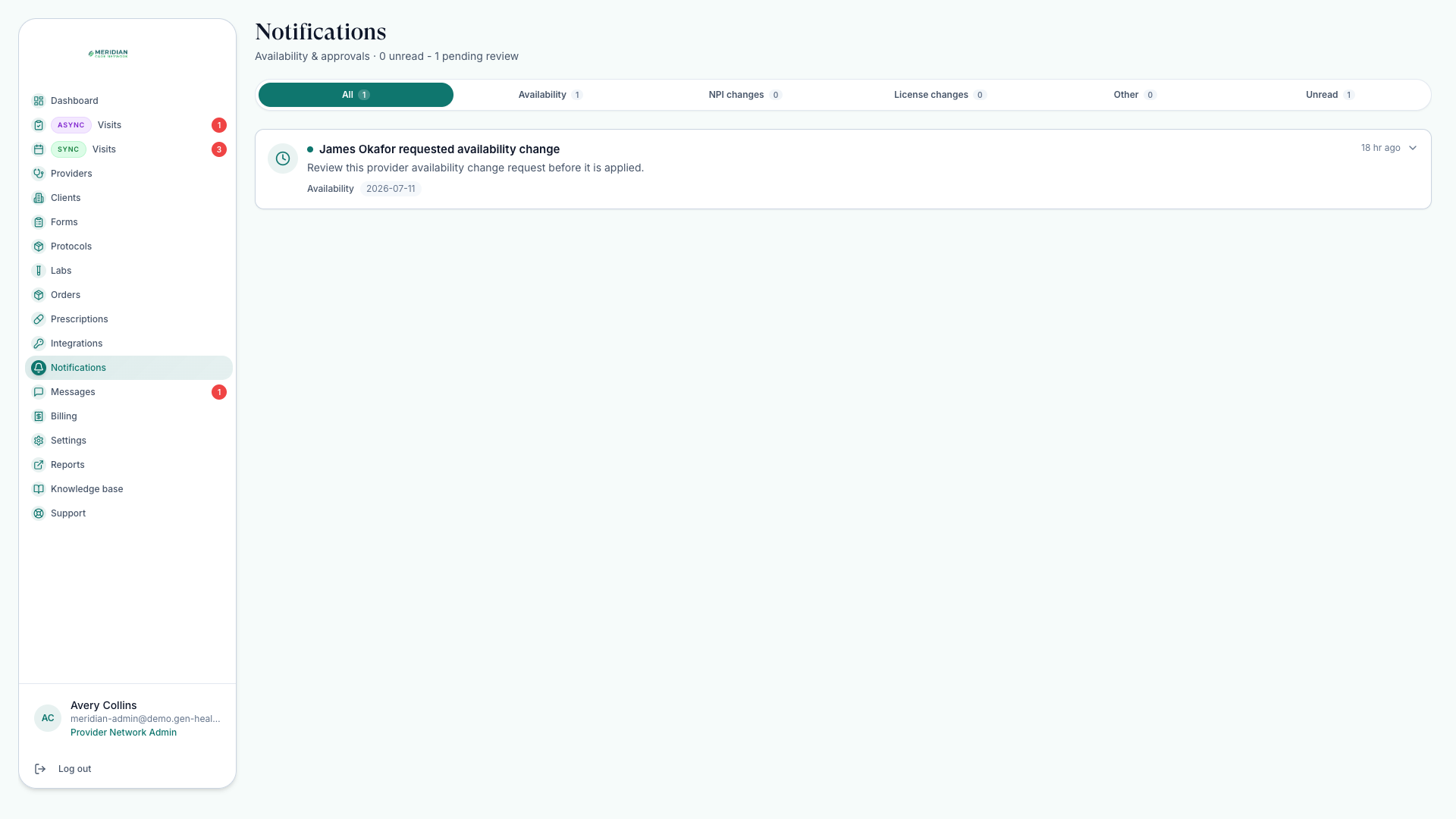
Clear Notifications
Open Notifications for license, NPI, availability, and request items needing action. See Handle Notifications.
Triage chart reviews
Open Async Visits — chart reviews done with no live appointment — and triage unassigned, in-review, and completed work. See Review Queue.
Confirm today's visits
Open Sync Visits — live video and phone visits — and confirm today's schedule, provider availability, and reschedule requests.
During the day
- Answer patient and client staff conversations in Messages.
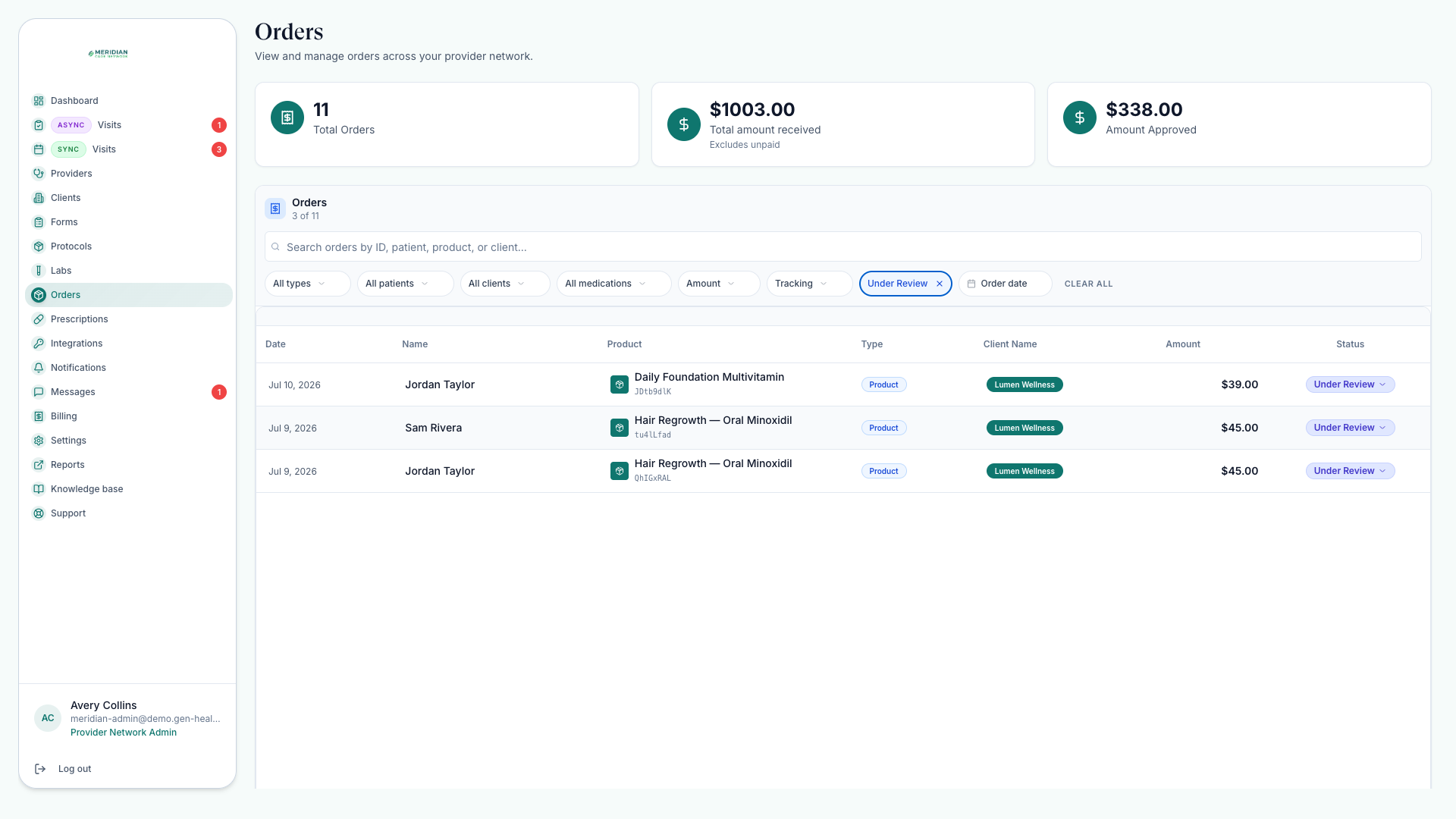
- Follow fulfillment, lab milestones, payment prompts, and pharmacy updates in Orders.
- Track prescription status and complete eligible approved prescriptions in Prescriptions.
End-of-day closeout
Close the day when every line is true.
No unassigned urgent reviews remain.
Tomorrow's visits have confirmed providers and schedules.
Prescription and lab order blockers have a documented next step.
Patient and client messages have replies or internal follow-up.
Support tickets are updated with current status and attachments.
Reports are exported if your team reconciles daily.
Queues are row-by-row work; for the trend view, switch to Run Reports.
A slower weekly pass
Not everything needs daily attention. Once a week: review Reports for trends, run Credential Checks across active providers, and sweep the Knowledge Base for stale documents. Also confirm new providers finished onboarding — check application status and last login on the Providers page.
Was this helpful?