
Enable Integrations
Turn on the pharmacy, prescribing, and lab services your network depends on.
Integrations connect your network to the outside services care depends on: e-prescribing, pharmacies, and labs. Until the right ones are on, prescribing and lab workflows can't start.
Open IntegrationsThe Integrations page
Open Integrations to review available services, enable the ones you use, store credentials, and manage prescribing setup. Who can do this: Admins edit integrations; Providers and Provider Delegates view readiness — see Roles & Permissions.
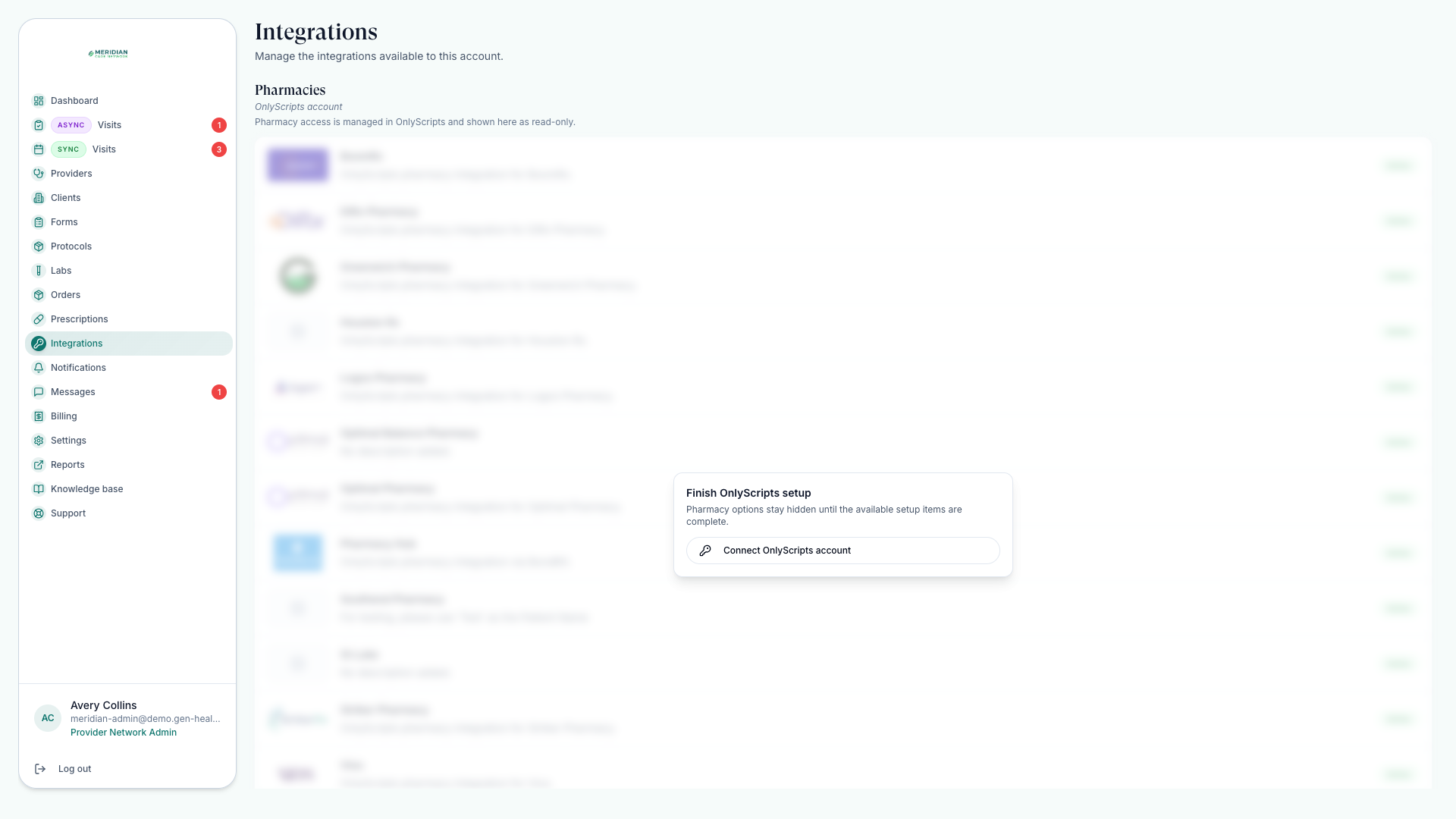
Pharmacy and medications: OnlyScripts
OnlyScripts credentials power your pharmacy workflows:
- The Formulary page appears once pharmacy options are available — pair medications to protocols and save preset directions. See Pair Medications.
- Prescriptions tracks prescription status, tracking numbers, and approved prescription follow-up — see Send Prescriptions.
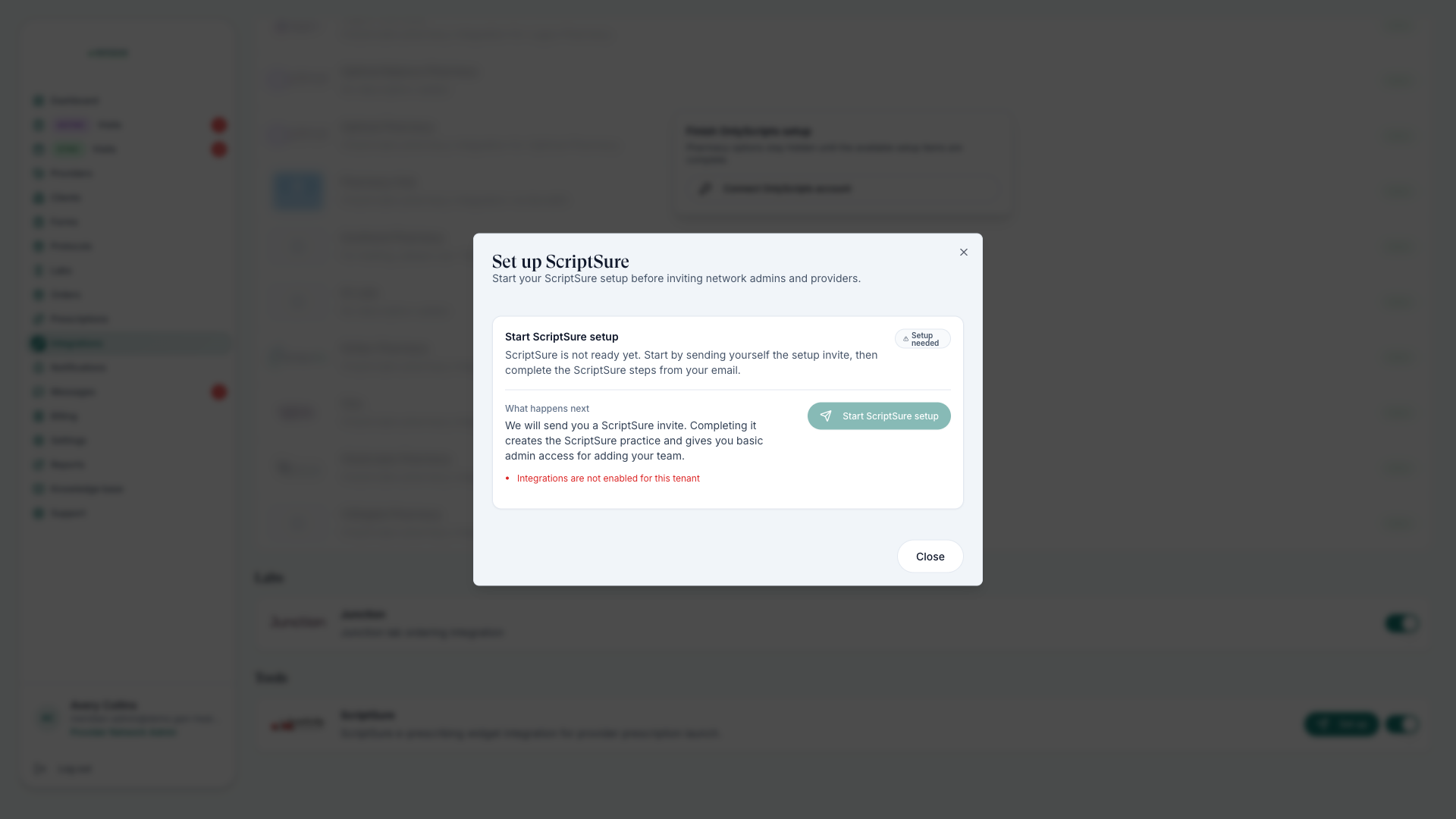
E-prescribing: ScriptSure
ScriptSure is the e-prescribing service providers use to send prescriptions. Enabling it is a short flow: network enrollment, then per-provider invitations and identity verification. Follow ScriptSure Setup.
Labs
Labs are integration-backed too: the Labs page shows the tests your network can offer and lets you request additions — see Manage Labs. Lab milestones then appear on each order — see Track Orders.
Before relying on an integration
Enable the service
Turn the integration on and store its credentials in the secure fields. Keep credentials out of notes and messages.
Check provider readiness
A provider can appear in the platform yet be unable to e-prescribe until verification completes.
Run one order end to end
Confirm prescription or lab steps behave as expected before standardizing the workflow.
A provider who hasn't completed prescribing setup cannot e-prescribe, even though they can work in the platform. Check readiness before assigning prescription work.
Was this helpful?