
How Networks Work
Understand what your network controls and how clients, providers, and patients connect.
Your provider network is the clinical engine of Gen Health. This page covers what you control, how clients and patients connect to you, and where to look first when you sign in.
What your network runs
Your network manages the clinical side of care from one place:
- People — Providers who deliver care and Provider Delegates who coordinate it. See Roles & Permissions.
- Catalog — the protocols, medications, labs, and intake forms patients move through. Start with Create Protocols.
- Care — chart reviews (async reviews: the provider reviews the chart, no live appointment), video and phone visits (sync visits: live, scheduled encounters), prescriptions, and orders.
- Communication and reporting — patient messaging, client coordination, and network reports.
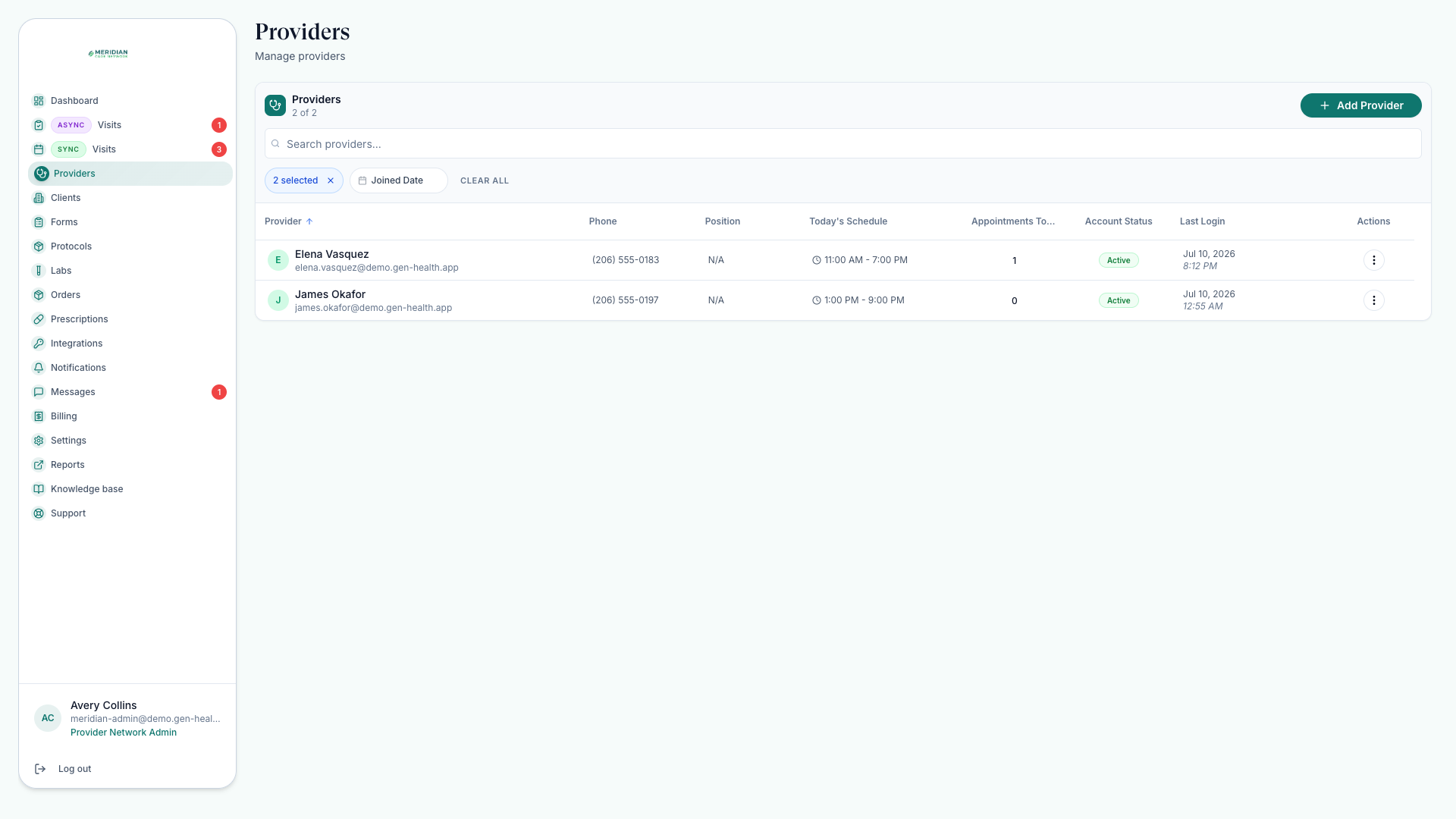
How clients connect to you
Clients are the businesses and practices that bring patients to your network. When a client links to you, their patients, orders, and care requests become visible — and only then. Everything in the app is scoped to your own network.
Client data appears only when the client is linked to your network. If something seems missing, check the connection first — see Linked Clients.
Your home base: the Dashboard
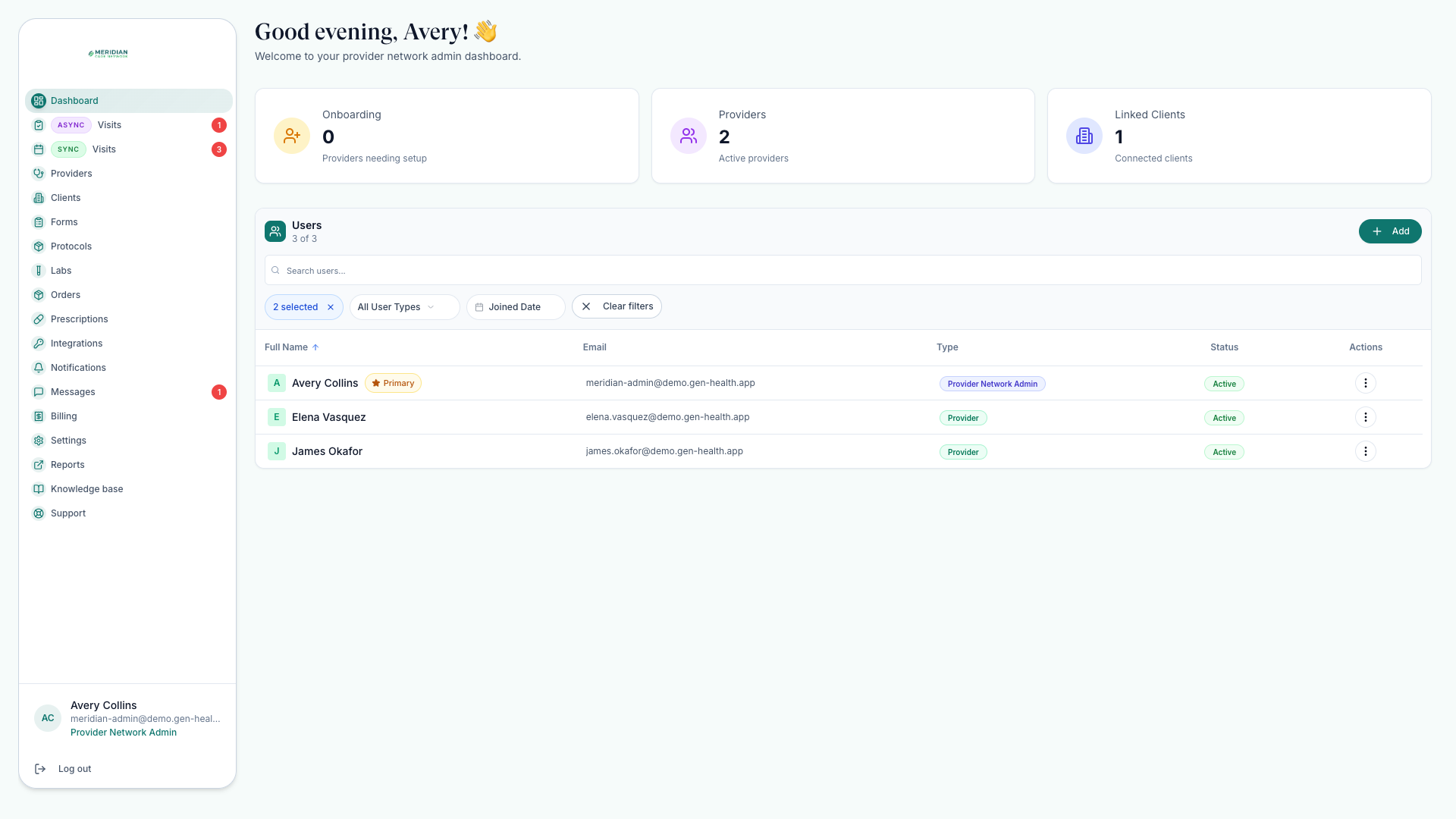
The Dashboard is the quickest pulse check. Admins see a snapshot of providers and linked clients. Providers and delegates see their own clinical work: active prescriptions, reviews awaiting attention, work under review, and recent patient activity.
The shape of a patient journey
Most care follows one arc: a patient buys a protocol through a client, an order is created, the patient completes required intake forms and labs, a provider reviews the chart or meets the patient, and approved care flows into prescriptions and fulfillment. Every help-center page maps to part of that arc; Track Orders shows the whole journey on one timeline.
Where to go next
Was this helpful?