
Delegate Accounts
Create delegate accounts that coordinate care without making clinical decisions.
Provider Delegates keep clinical operations moving — scheduling, routing, and follow-up — without making clinical decisions. They keep the queue, calendar, and follow-ups moving so Providers stay on clinical work.
Open ProvidersWhat delegates handle
- Visit scheduling and rescheduling.
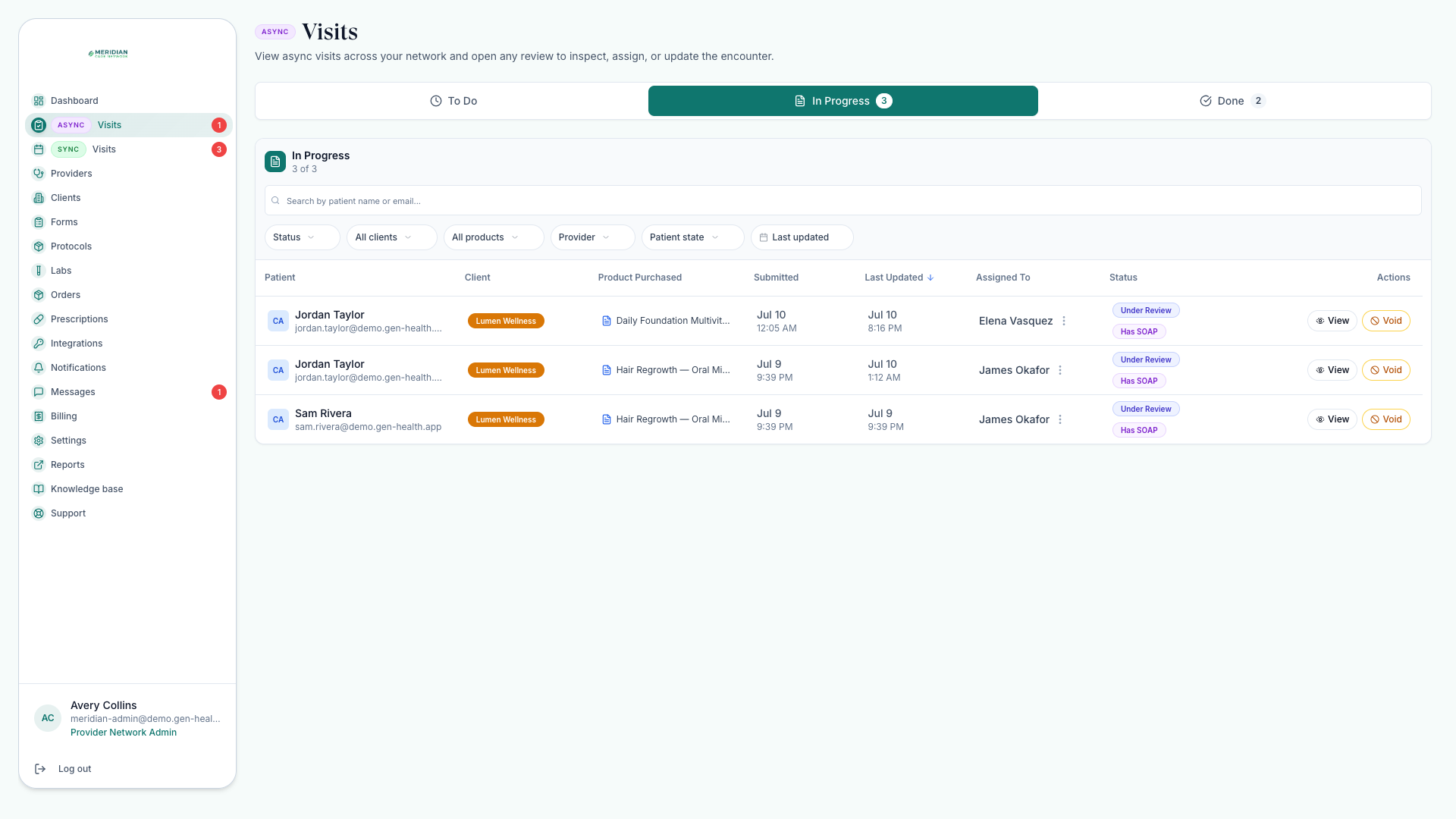
- Routing chart reviews — assigning and reassigning reviews to providers (a chart review is a clinical review from the patient's chart, no live appointment).
- Patient support, including login help for linked-client patients.
- Completing approved prescriptions after a Provider approves the care, choosing an allowed in-network prescriber at send time.
- Order follow-up and operational reports.
What delegates never do
Delegates cannot claim chart reviews, approve or deny treatment, finalize SOAP notes, or act as the treating provider on live visits. They're read-only in the knowledge base too. The full boundary list lives in Roles & Permissions — when in doubt, route the decision to a Provider.
Never use a delegate account for a final clinical decision. Approvals, denials, deferrals, and SOAP documentation belong to Providers.
Create a delegate
Open Providers
Go to Providers — team accounts are created from the same page as providers.
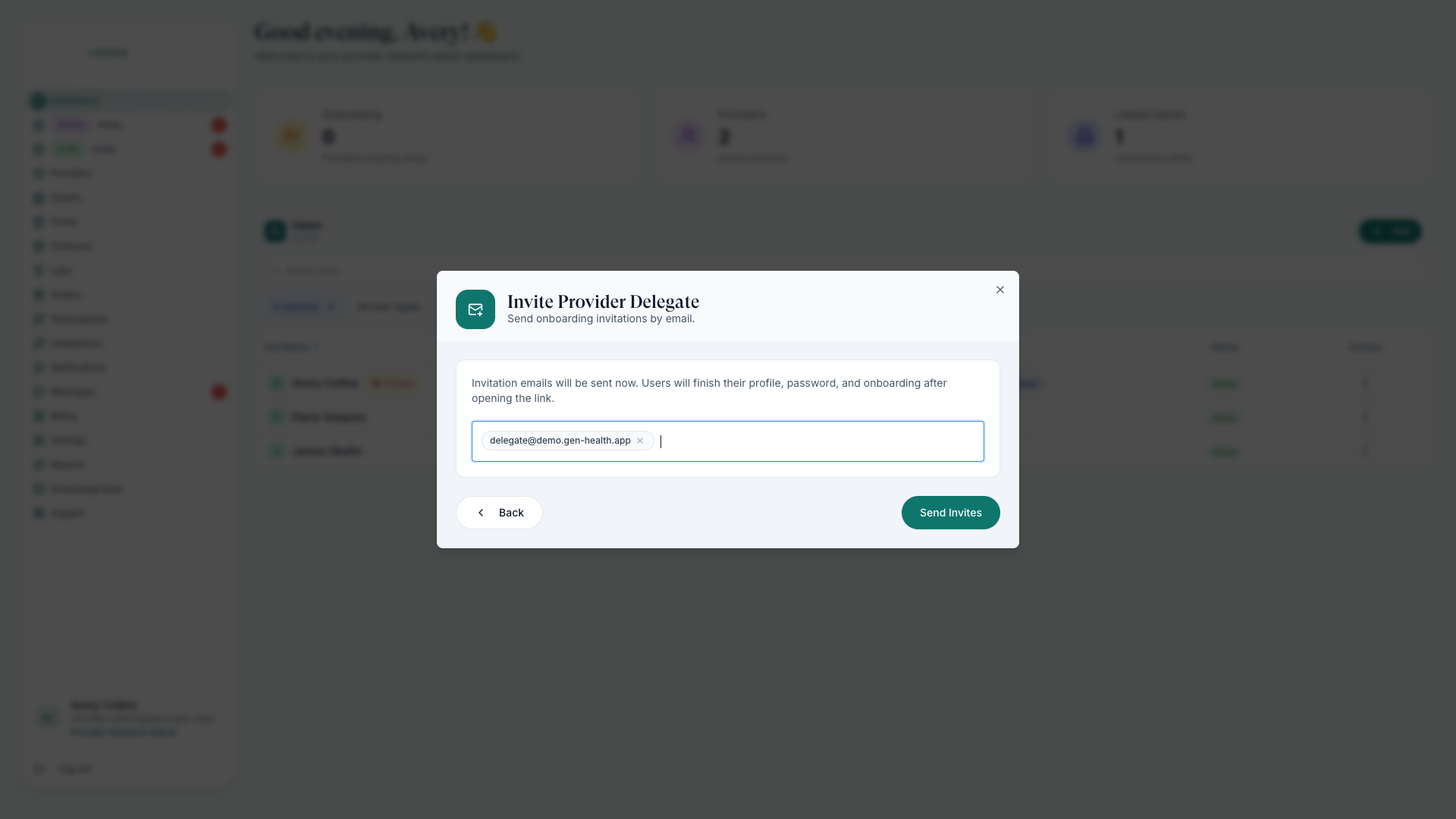
Add them as a Provider Delegate
Enter their email and choose the Provider Delegate role. They get a secure setup link. Admins, Providers, and existing delegates can invite delegates in the same network.
Point them at daily surfaces
Delegates live in the review queue, visit schedule, orders, and messages — Daily Workflow is a good first read.
Day-to-day for delegates
Most delegate time goes to routing the review queue (Review Queue), managing scheduled visits (Schedule Visits), and completing prescriptions after approval (Send Prescriptions). They're also the first stop when a linked-client patient needs sign-in help.
Was this helpful?